

Work from home feels calm and good. You save time and skip long trips. But your body still needs care. Long hours in a seat hurt your neck. Poor pose can cause pain in your back. Your hands and eyes also get weak. You must sit well and work smart. A good work zone helps you stay fresh. This guide shares smart and safe tips. Use these tips and feel fit each day. These Top Ergonomic Tips for Remote Workers at Home made huge difference in your life if you follow these with great sense.
Fix Your Seat
Your seat is key to a strong back. A bad seat can harm your spine. Your seat must be soft and firm too. It should help your hips and give full support. Pick a seat with a tall and wide back. It keeps your spine safe and tall. Make sure your feet touch the floor well. Use a low box if your feet hang. Keep your knees bent at 90 degrees. This gives your legs a smooth rest. Use a seat with arms on each side. Your arms must not drop or hang. Pick a seat that can spin or roll. It helps you turn with less stress. A good seat will boost your work. It keeps you calm and pain free.
Set the Screen Right
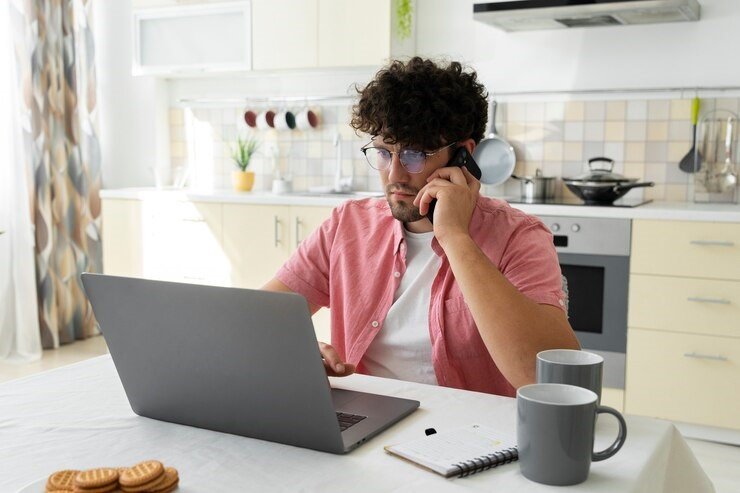
Your screen must not strain your eyes. The right spot saves you from stress. The height and gap must suit your eyes. You must not twist or bend your neck. Keep the screen right at your eye line. This helps your neck stay firm and tall. Set the gap at one full arm length. It gives a soft and clear view. Use a screen stand if the height is low. Do not stack books to raise the screen. Cut the glare from the sun or lamp. Soft light makes your eyes feel fine. Use a bulb that is not too sharp. It should not flash
or blink fast. Tilt the screen just a bit back. This angle helps you see with ease. A clear screen view makes your tasks fun. You work more and feel less tired.
Place Keys and Mouse Well
Your hands must move with full ease. Tools that are far cause wrist pain. Place your tools close to your arms. Keep the keys flat and in front of you. Your arms must stay low and not lift. The mouse must sit next to the keys. You must not reach far to use it. Use a pad that helps your wrist rest. Soft pads give full help to your hand. Move your full arm not just your wrist. This keeps your joint safe and smooth. Clean your tools and desk each day. Dust and dirt slow your hand moves. Your tools must match your desk and seat. That way your hands feel light and strong.
Take Breaks on Time
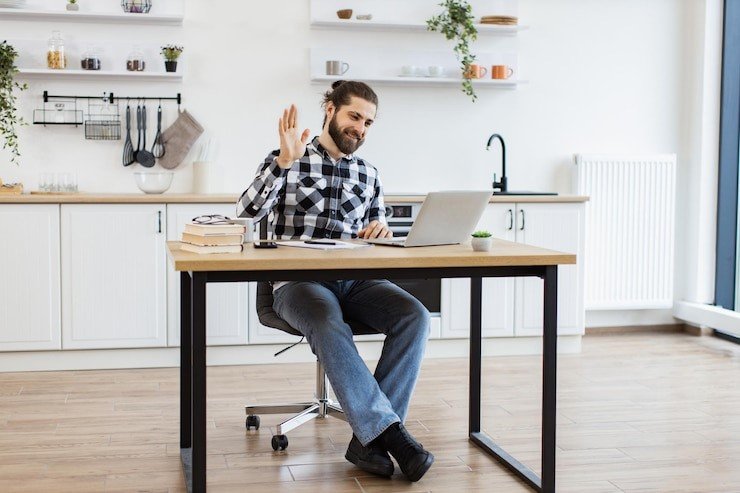
Work with no break is not smart. Your mind and body need short rest. Breaks help you think and move well. Take a short break each hour you work. Stand and walk for two to three mins. Stretch your arms and your back wide. It helps you feel free and light. Blink your eyes more to keep them moist. Long screen time can dry your eyes. Walk in your room to boost blood flow. This keeps your legs and joints safe. Drink water at each short break. It keeps your body fresh and cool. Do a slow deep breath once in a while. It helps calm your mind and nerves. Breaks help you work more with less pain.
Use Light the Right Way
Light plays a big role in your work. Poor light can hurt your eyes fast. Sit close to a glass wall or window. Sun gives clean and bright soft light. Use warm soft bulbs in the room. Harsh light makes your eyes feel dry. Do not let light hit the screen direct. A glare will make you strain to read. You can add thin cloth to the window. This cuts strong sun light and heat. Use a desk lamp for late work hours. Pick one with a warm tone and glow. Make sure room light stays the same level. Sudden change in light can stress your eyes. With soft light your work feels smoother. Your eyes stay fresh and do not burn.
Keep Your Body in Check
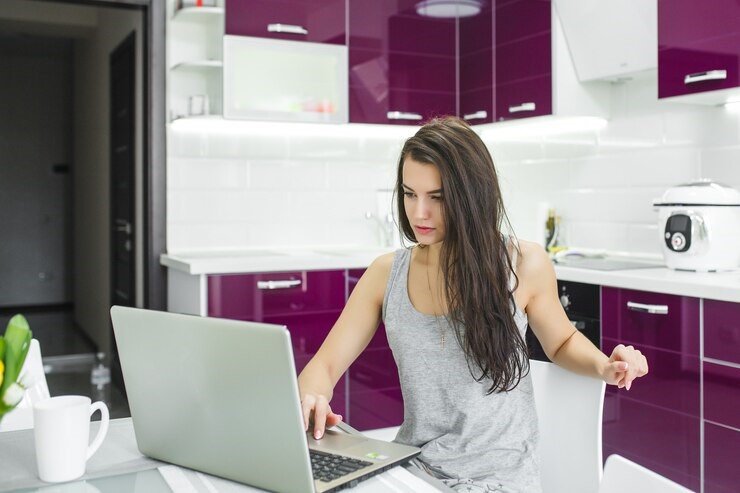
You must sit in a safe pose each day. A bad pose can hurt your whole frame. Your back and arms will feel the load. Keep your back tall and firm all day. No slump or twist when you sit to work. Your arms must stay flat on the desk. They should not hang or rise up high. Face the screen straight with your neck firm. Do not turn your head left or right. Legs must stay flat on the ground. No cross or curl at the knees. Move your body a bit each hour. Twist your side or stretch your leg. This keeps your joints free and pain free. A good pose helps you work more and feel strong. Make a perfect house setup office for you. You may read it there for your perfect life.
Conclusion
Top Ergonomic Tips works very well in life and loveable in life. Work from home is easy and full of peace. But it needs good care and smart moves. Your seat must match your back and hips. The screen must be in front of your eyes. Tools like keys and mouse must be close. Breaks must be part of your work plan. Light must help and not hurt your eyes. Your pose must stay firm and stress free. Use all the tips shared in this guide. Make them part of your daily plan. With these tips you will stay strong. Your body will feel fresh all day. Good health starts with smart steps at work.
FAQs – Ergonomic Tips for Remote Workers at Home
1. Why is a good seat key for remote work?
A good seat helps your back stay firm. It keeps you safe from pain.
2. How high should my screen be?
Your screen must be at eye level. It should not make you bend.
3. How often should I take breaks?
Take a short break each hour. It helps your body and mind rest.
4. What is the best light for work?
Use soft warm light near your desk. It saves your eyes from stress.
5. How do I know my pose is right?
Your back must stay tall and firm. Feet flat and arms must rest.